
StoryArk Kids Bible Stories
Coming to Google PlayBible stories that come alive.
Animated, narrated Bible stories for children of about two to nine, drawn in a hand-inked storybook style. Every page moves and speaks, then waits for your child to turn it. Families get the Bible passage behind each story, questions to talk about, and a Family Night.
- 12 stories
- Ages 2 to 9
- Android
- No accounts
- No ads
- No tracking

01One page from Noah’s Ark
Every page moves and speaks, then waits for you to turn it.
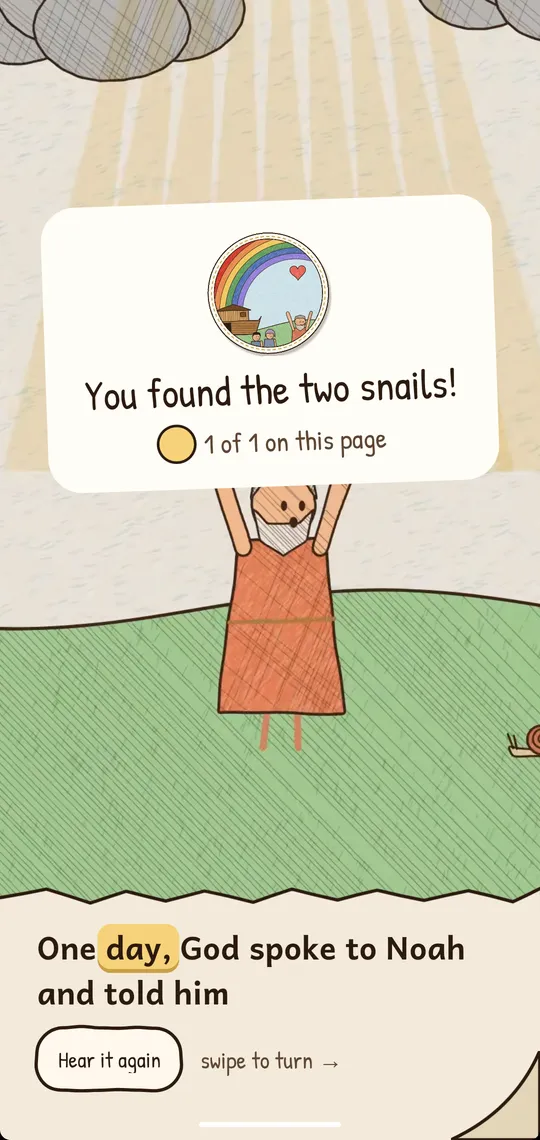
The words light up as they’re read, so little ones can follow along. This is page 6 of Noah’s Ark from the app: the same moving picture, the same voice, the same moment for every word.
Read to me
The story is read aloud, and each word lights up as it is said.
I’ll read
Their own pace, no voice. Stuck on a word? Tap it to hear it.
Watch it
The whole story plays straight through, page after page.
After many days, the rain finally stopped.
Two snails are hiding on this page. Can you find them?
02The library
Twelve stories, from Creation to Easter.
Seven from the Old Testament and five from the New. Each takes two or three minutes, and each comes with the passage it is drawn from and one thing it teaches.
- Old Testament
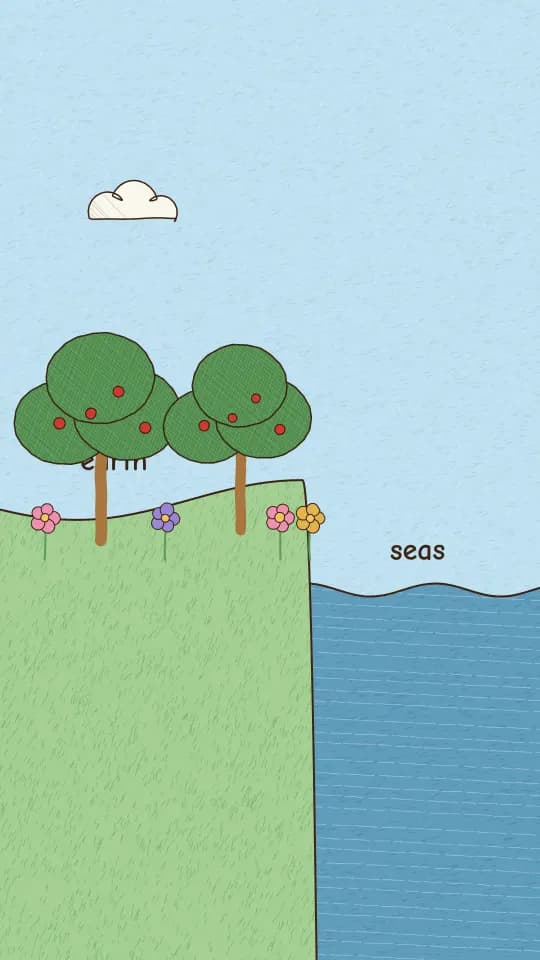
Creation
Genesis 1:1–2:3
God made everything, and He made it with love
2 min · comes with the app
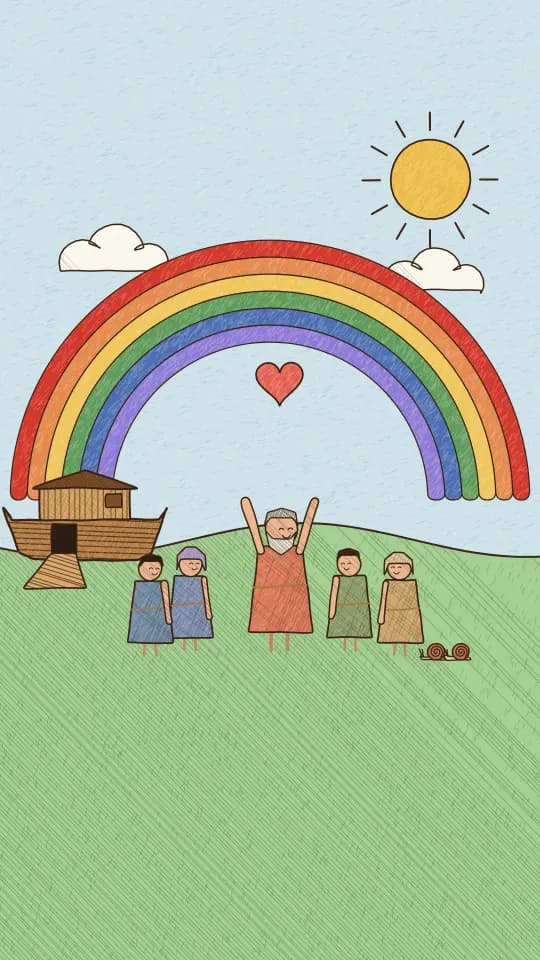
Noah’s Ark
Genesis 6–9
God keeps His promises
3 min · comes with the app
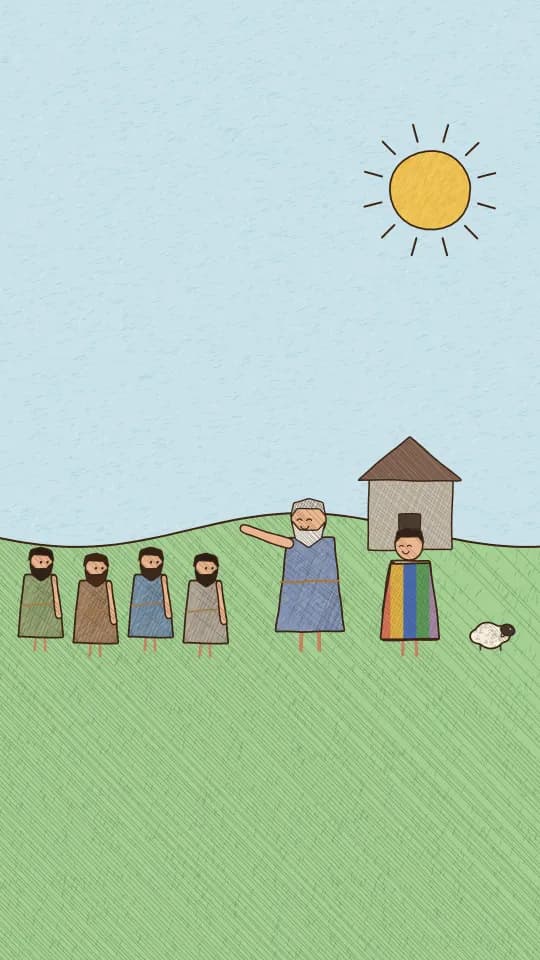
Joseph and His Coat of Many Colors
Genesis 37–46
God is at work even when bad things happen
3 min · downloads when opened
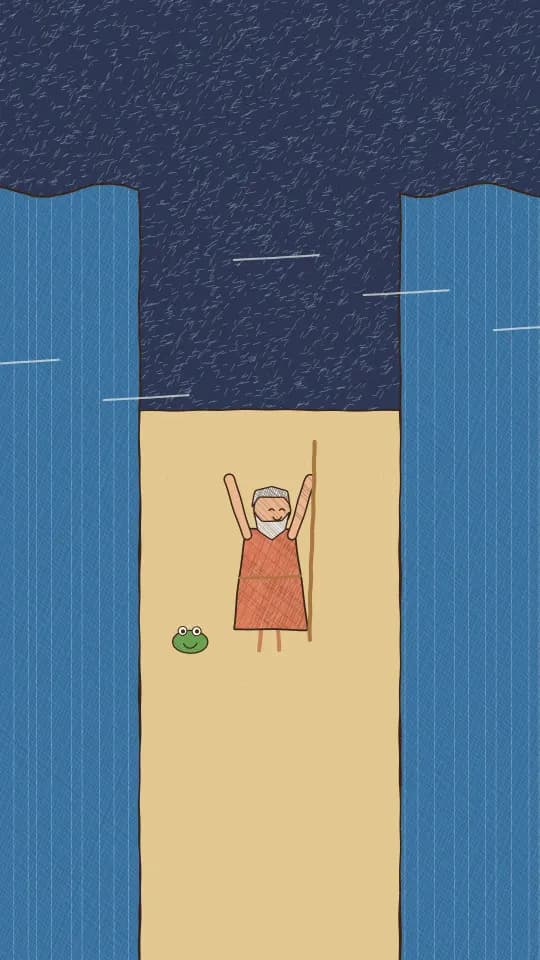
Moses and the Red Sea
Exodus 3–15
God makes a way where there seems to be no way
3 min · downloads when opened
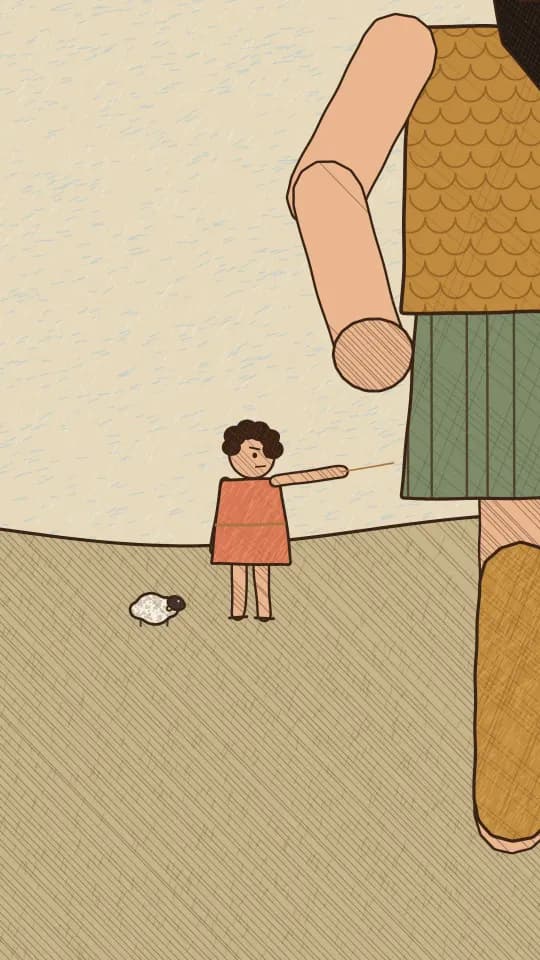
David and Goliath
1 Samuel 17
With God, even someone small can be brave
2 min · downloads when opened
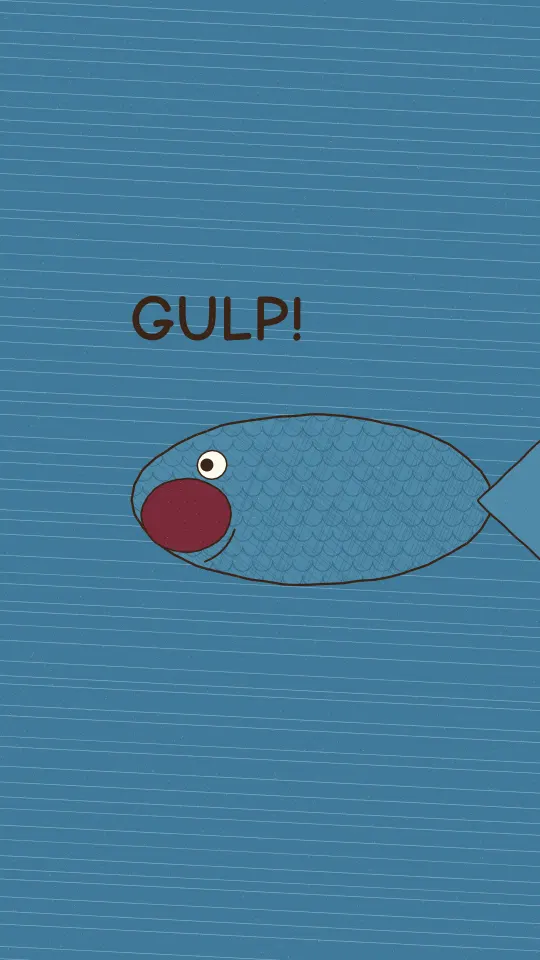
Jonah and the Big Fish
Jonah 1–3
God gives second chances
3 min · downloads when opened
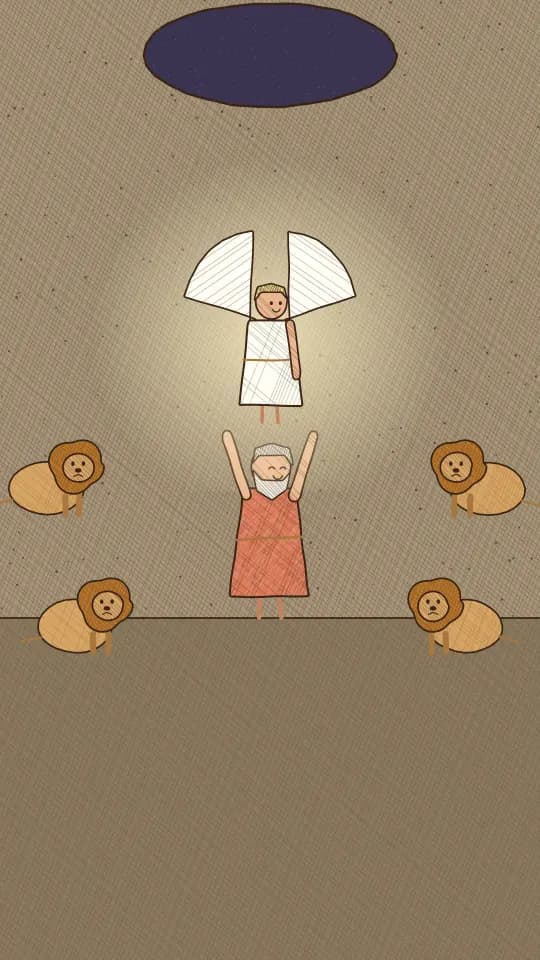
Daniel and the Lions’ Den
Daniel 6
God protects those who trust Him
3 min · downloads when opened
- New Testament
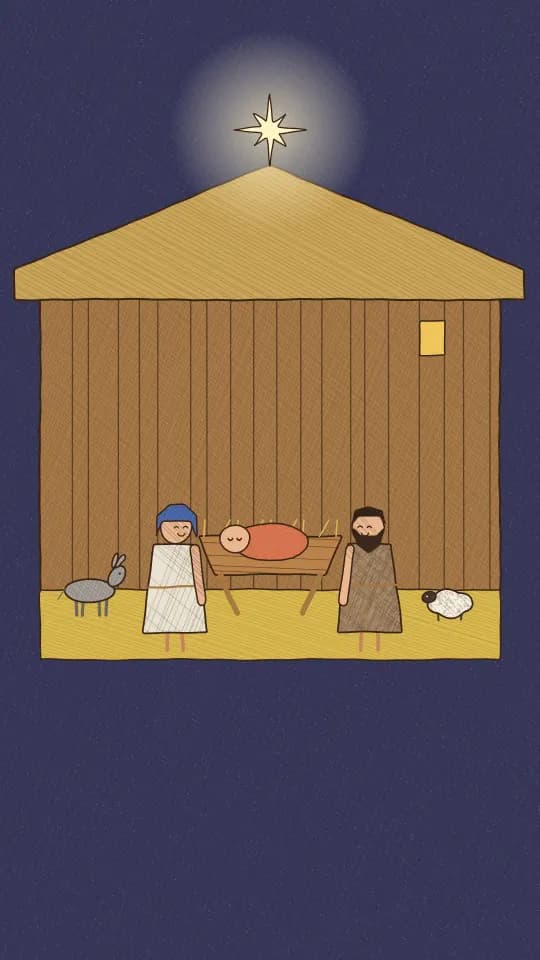
The First Christmas
Luke 1–2; Matthew 2
Jesus is God’s greatest gift
3 min · downloads when opened
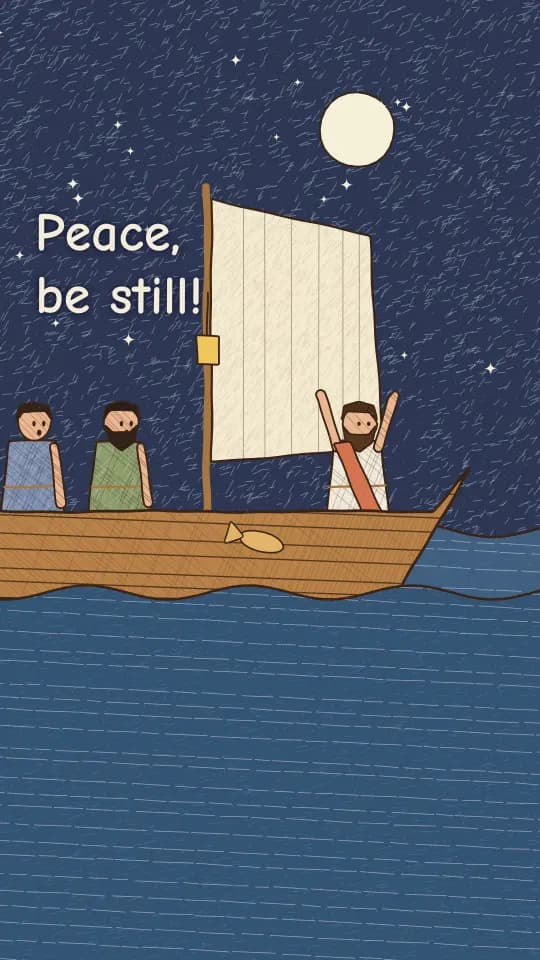
Jesus Calms the Storm
Mark 4:35–41
Jesus is with us in every storm
2 min · downloads when opened
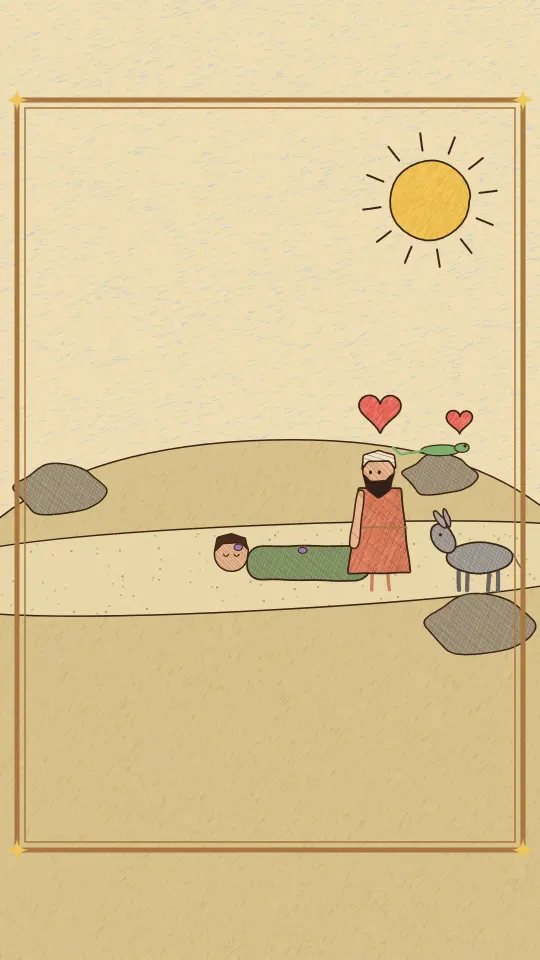
The Good Samaritan
Luke 10:25–37
A good neighbor shows kindness to anyone in need
3 min · downloads when opened
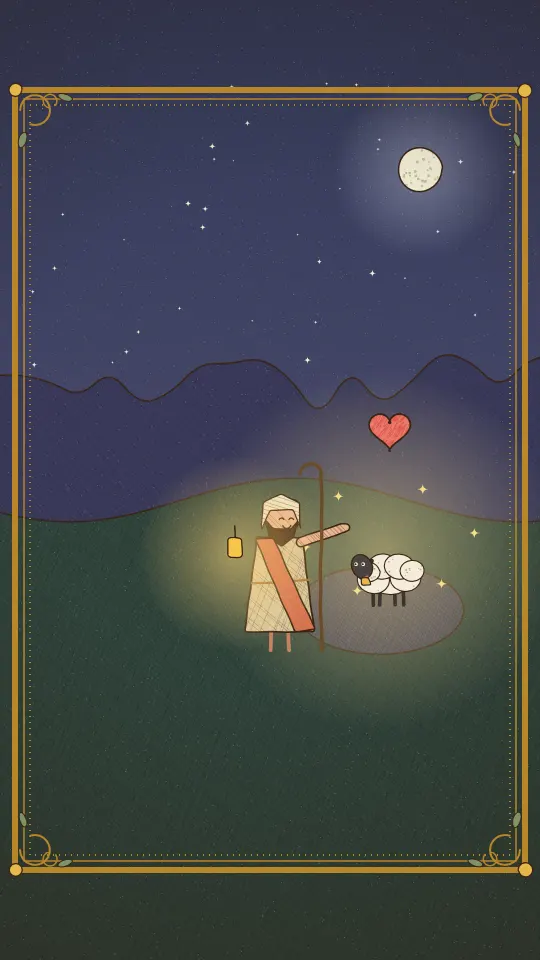
The Lost Sheep
Luke 15:1–7
God comes looking for every one of us
2 min · downloads when opened
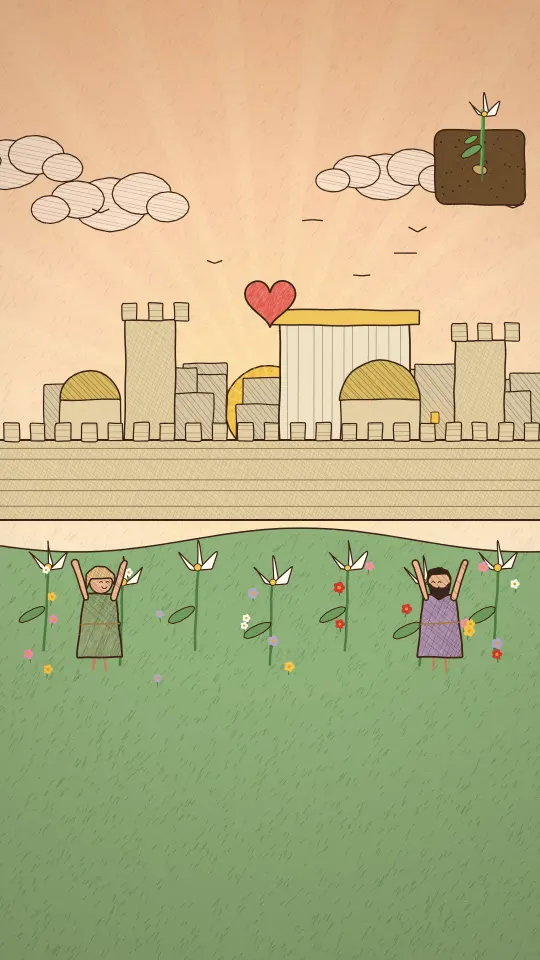
The First Easter
Matthew 21; 26–28; Luke 22–24; John 19–20
God’s love is stronger than anything, even death
3 min · downloads when opened
03For children
A little friend hides on every page.
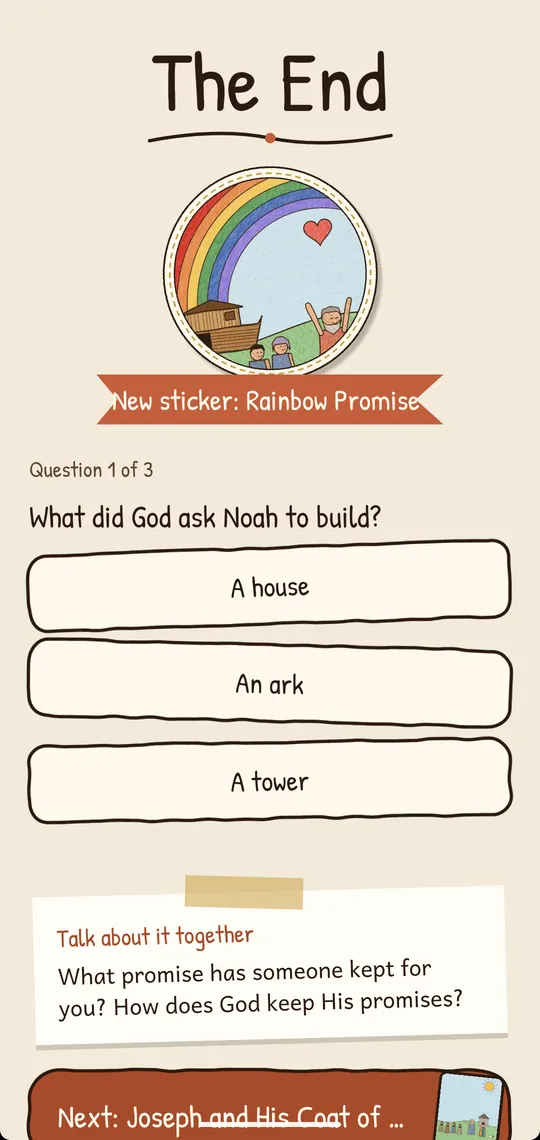
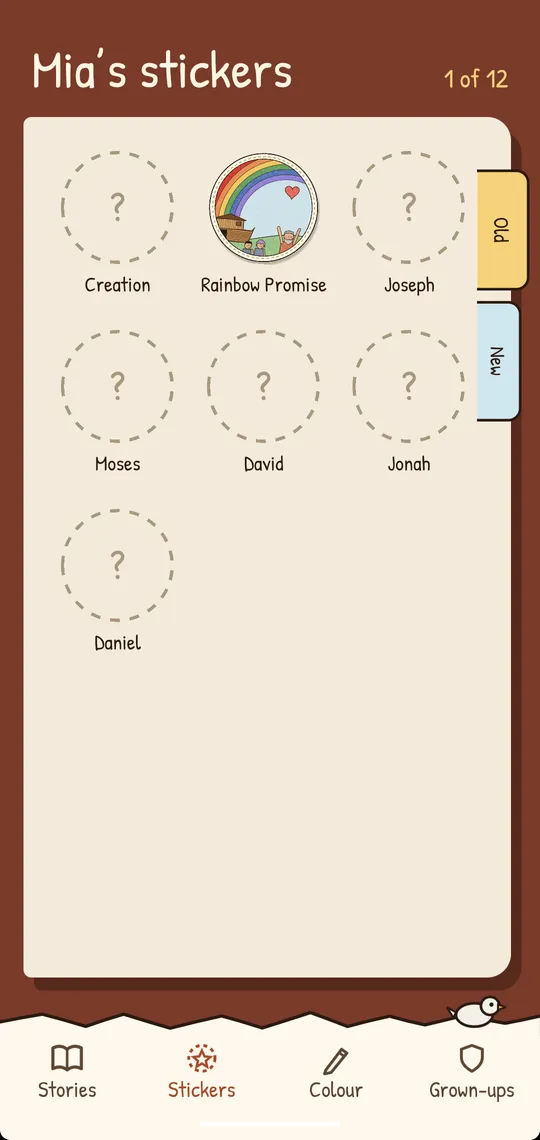
Finish the story to win its sticker for your sticker book.
Find the hidden friend
A little critter hides on the pages: a lamb, a frog, a seagull, a sparrow, a fish, a lizard, a seed that sprouts, and a twinkling star in the Christmas story. Tap it to find it.
A quiz and a sticker
Three questions at The End, a sticker for every story finished, and a sticker book with Old and New Testament pages.
Their own library
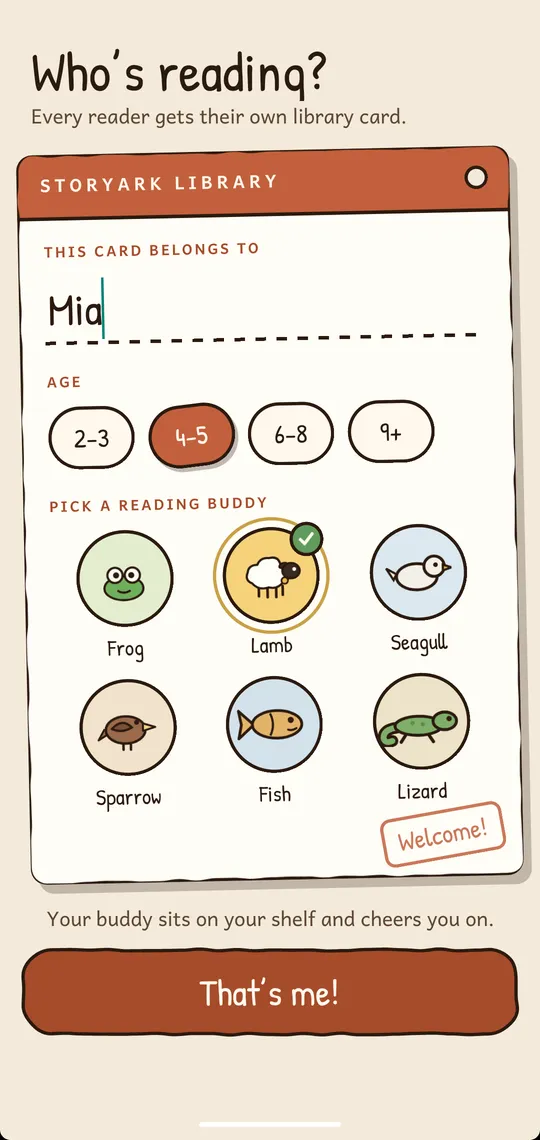
A library card with their name and a reading buddy, bookshelves by Testament, a story of the day, favourites, and bookmarks that remember the page.
Pick a reading buddy
- Frog
- Lamb
- Seagull
- Sparrow
- Fish
- Lizard


Your buddy sits on your shelf and cheers you on.
04For families
Grown-ups, read it together.
Family mode adds the Bible passage, a question to talk about, and a Family Night to share.
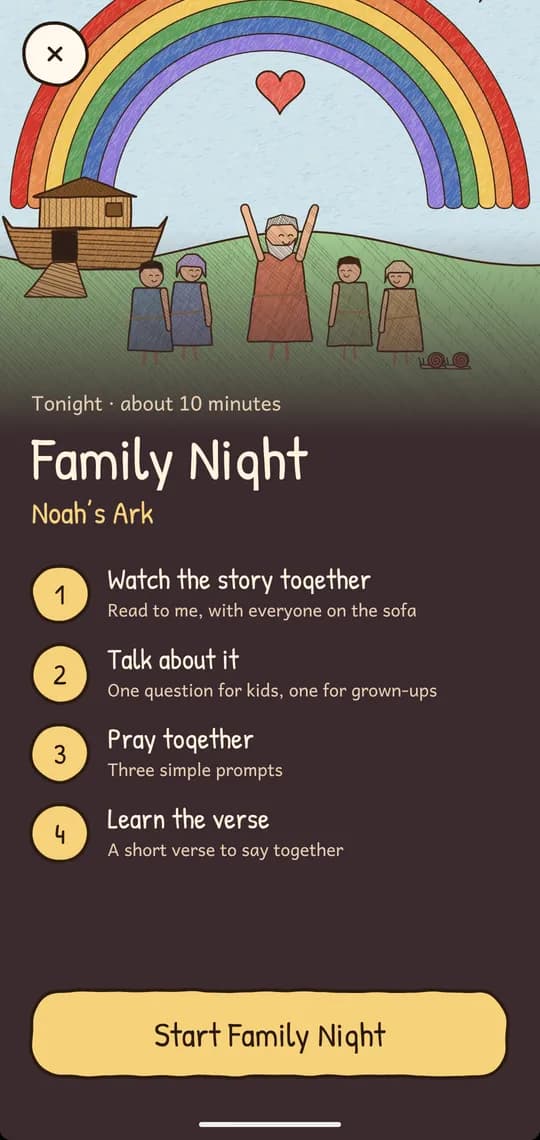
Tonight
Family Night
About ten minutes, one story, four steps. The memory verse is learned with a fill-in-the-gaps game.
Watch the story together
Read to me, with everyone on the sofa
Talk about it
One question for kids, one for grown-ups
Pray together
Three simple prompts
Learn the verse
A short verse to say together
Luke 2:10–11 (KJV)
“Fear not: for, behold, I bring you good tidings of great joy…”
From the app’s welcome book: a verse card and a question for families.
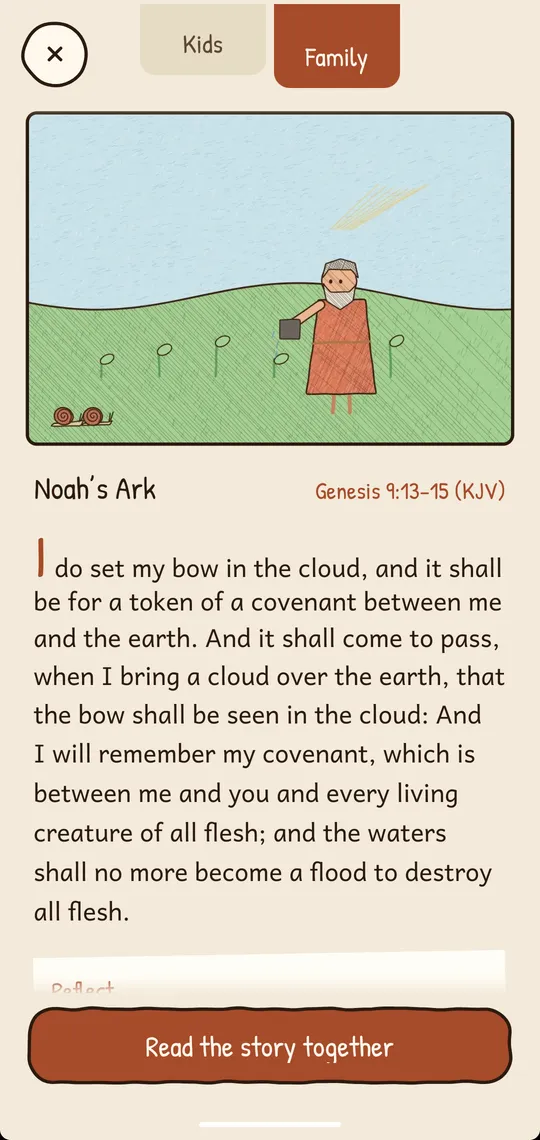
Family mode
The Bible passage each story comes from, quoted from the King James Version, and questions to reflect on together. Open it from any story, or make it the default.
Talk about it
One conversation question from each story your child has finished, all in one place.
05For grown-ups
Settings live behind a parent gate.
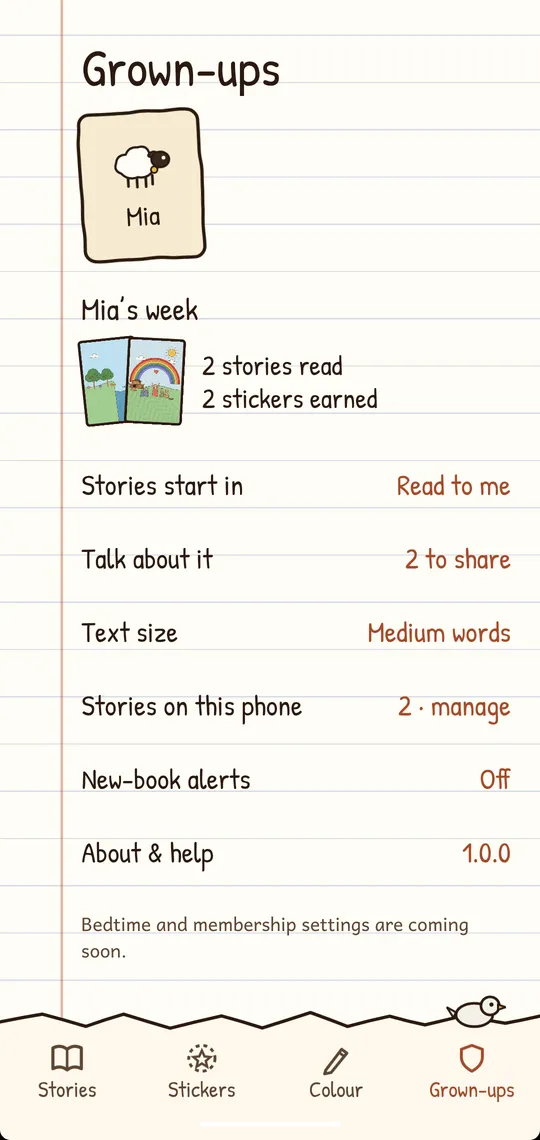
The Grown-ups area is a notebook page: your child’s week, how stories read, what is on the phone, and help.
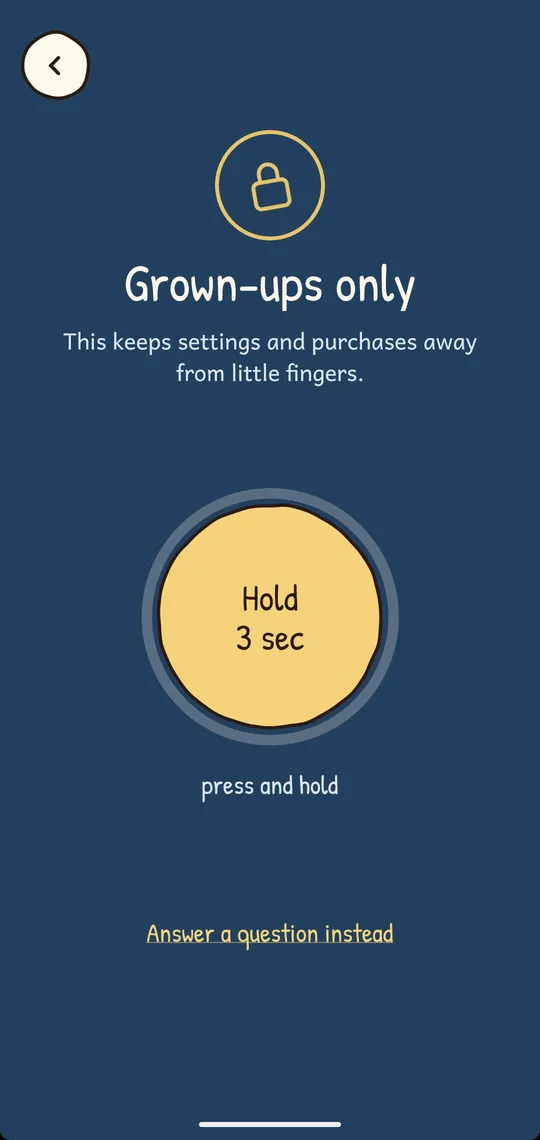
- Behind a parent gate
- Hold a button for three seconds, or answer a sum. Settings, and anything that leaves the app, such as an email, stay behind it.
- Reading settings
- Text size, reading speed, the word highlight, and whether stories open in Kids or Family.
- Your child’s week
- Stories read and stickers earned.
- Works offline
- Once a story is on the phone. Downloads wait for Wi-Fi unless you change it, and a data-saver picture quality takes less space.
- New-book alerts
- Optional. The notification is made on the phone itself: there is no push service.
Questions parents ask
Do the stories work without the internet?
Yes, once a story is on this phone. Creation and Noah’s Ark come with the app; other stories download the first time you open them. Downloads use Wi-Fi only unless you change it in Stories on this phone.
How much space do stories take?
Most stories are 15 to 40 MB, a few up to about 55 MB. Data saver picture quality uses less. Remove stories you have finished with in Grown-ups › Stories on this phone; they can be downloaded again any time.
Which Bible translation do you use?
The stories are retold in simple words for children. The passages and memory verses in Family mode are quoted from the King James Version (KJV).
Is my child’s name shared with anyone?
No. The name, age and reading buddy on the library card, and all reading progress, stay on this phone. StoryArk has no accounts, ads or tracking.
Can the words be bigger, or the reading slower?
Yes: Grown-ups › Text size, and Reading settings for the reading speed and the word highlight.
06Privacy
No accounts, no ads, no tracking.
The short version: No accounts, no ads, no tracking. Your child’s name, progress and settings stay on your phone. The app only goes online to fetch stories from the story library.
- No accounts or sign-in
- No advertising
- No analytics, tracking or crash reporting
- No chat or messaging with other people
- No location, camera, microphone, photos or contacts
- No selling or sharing of personal information
Good to know before you install
One reader per phone, for now
The library card holds one name and one reading buddy.
Ten stories need the internet once
Creation and Noah’s Ark come with the app. The rest download the first time they are opened, then work offline.
Retold, not read word for word
The stories are told in simple words for young children. The Bible itself is quoted, with its reference, in Family mode.
Android only
There is no iPhone version.
07Coming soon
On its way to Google Play.
StoryArk is built and waiting for its listing, so there is no download link on this page yet. Send me a line and I’ll write back the day it’s out.
StoryArk is made by monolab, which is one person: me, Alfon. Questions, ideas and stories you’d like to see go to support@monolab.dev, and I read them.